
AI video
DJ set on a rooftop at golden hour
She dances behind the decks and points to the crowd, clouds rolling behind her, warm golden light
Photo Animator
Try this prompt
Make realistic AI videos of people, places and products from a sentence or a photo. Animate portraits, build characters and turn clips into reels. No sign-up, no watermark.
Seven free AI tools. Pick one and you’ll have a result in about a minute.
Type a scene, get a clip
Open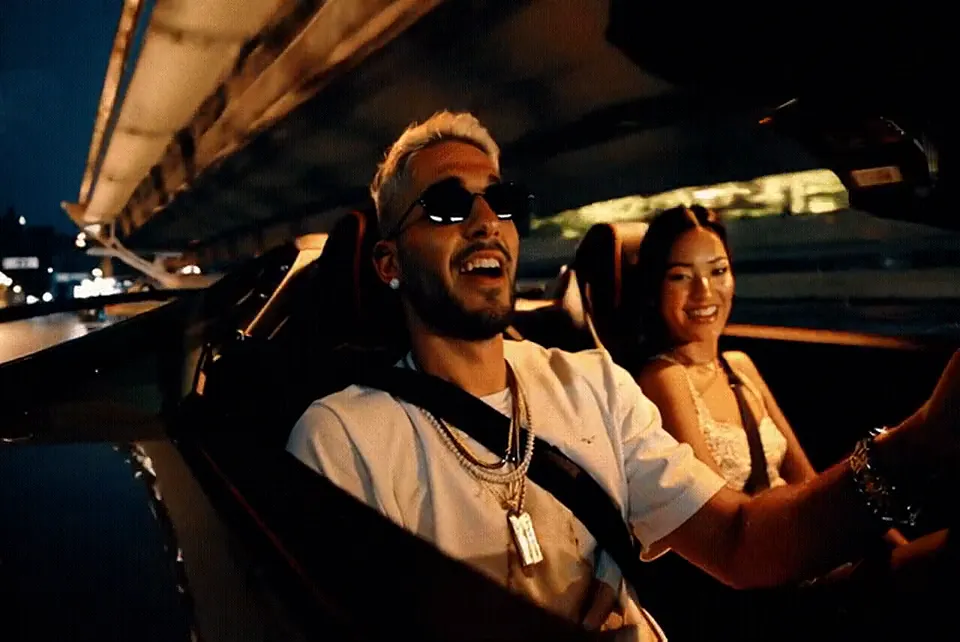
Turn any picture into motion
Open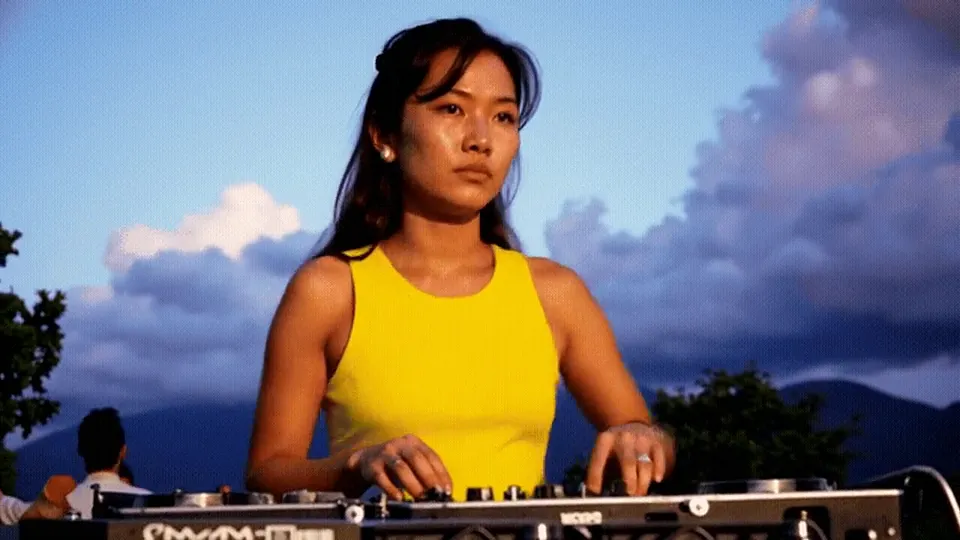
Make people smile, wave, turn
Open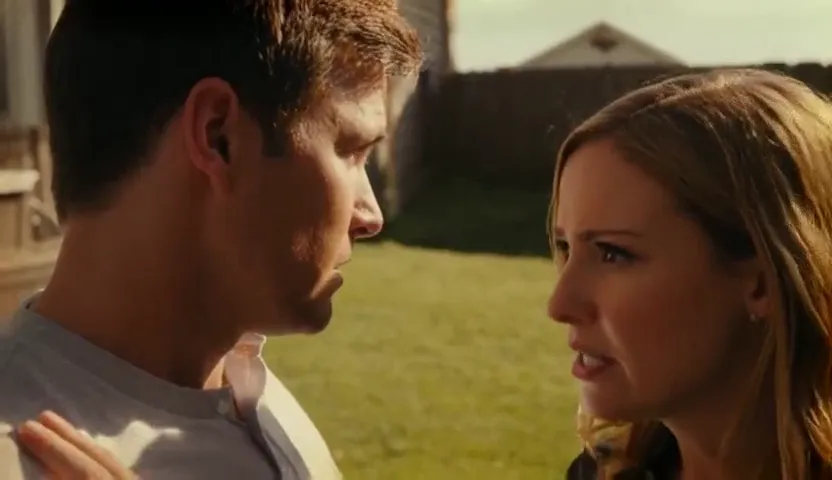 New
New Multi-scene reels with captions
Open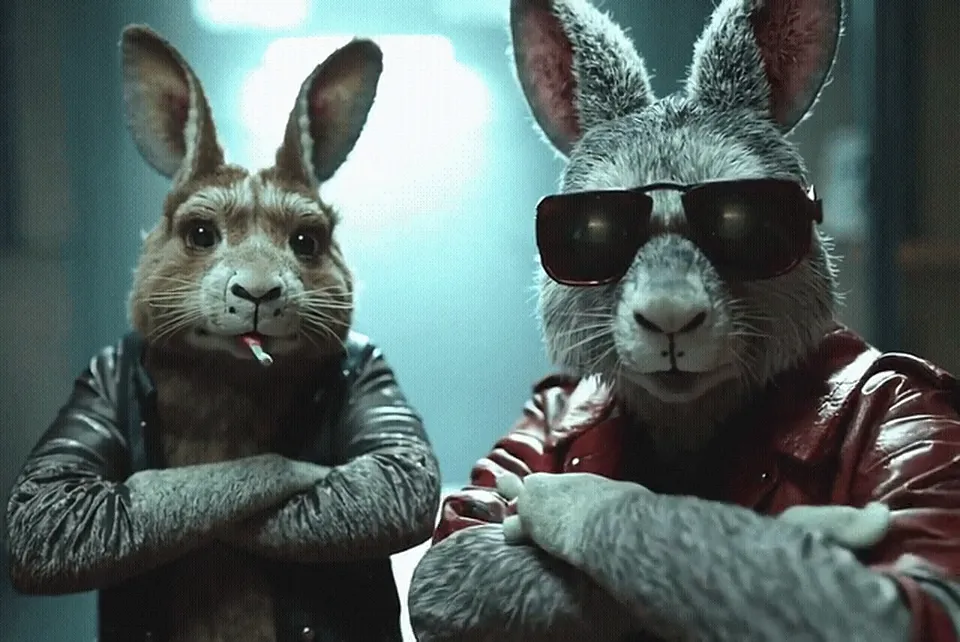
Design a character, reuse it
Open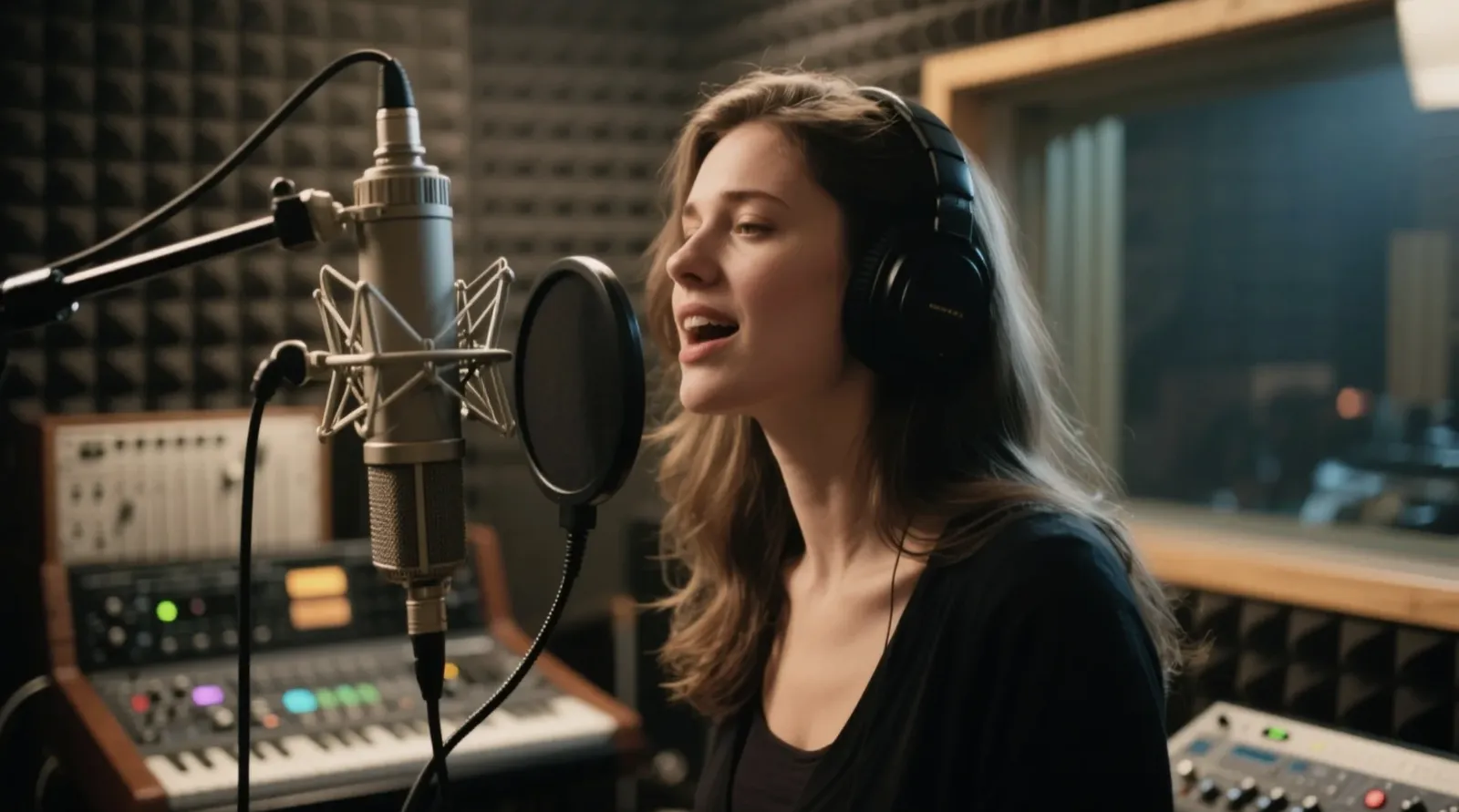
Photoreal images from text
Open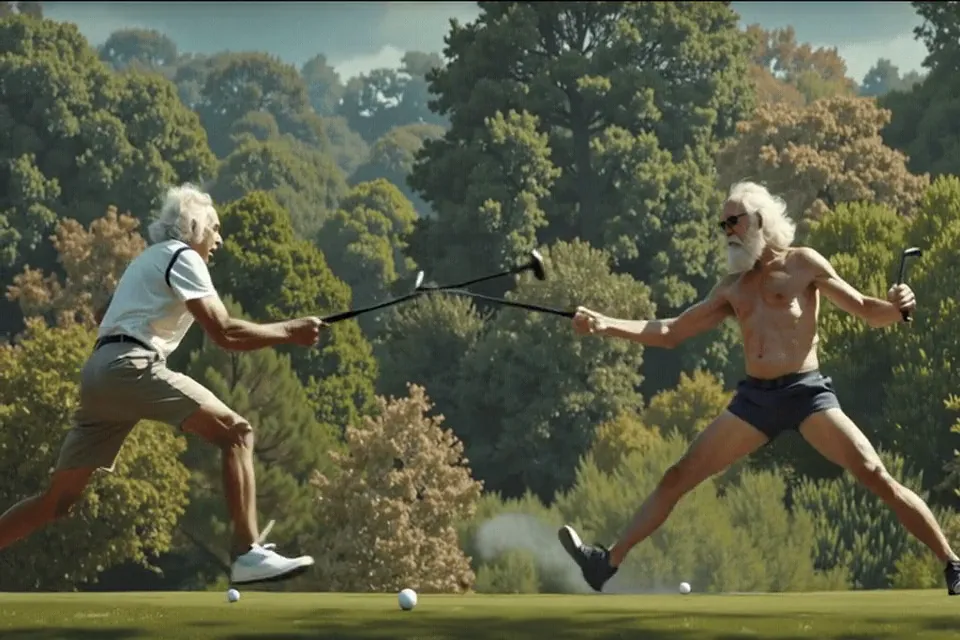
Turn footage into anime, art, 3D
OpenEvery clip below was generated by AI — the people too. Tap “Try this prompt” to make your own version.
She dances behind the decks and points to the crowd, clouds rolling behind her, warm golden light
He laughs and sings along while driving at night, friend smiling beside him, city lights sliding past
Close-up of a woman whose eyes fill with emotion as she listens to a friend, warm interior light, shallow depth of field
A street artist in a denim jacket sprays a colorful bird mural on a white wall, medium shot
A man and a woman talk closely on a sunny lawn, over-the-shoulder shot, shallow depth of field
Two friends smile and wave at the camera, natural sunlight, slight breeze
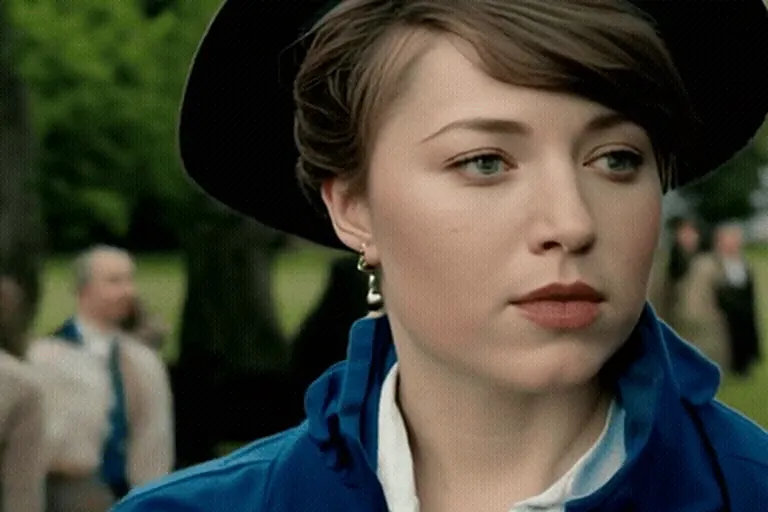
A young woman in a wide black hat turns toward the camera at an outdoor garden party, soft overcast light, 35mm film look
Drone shot gliding over an emerald river between rocky banks and pine forest, bright daylight
Two anthropomorphic rabbits in leather jackets and sunglasses nod to the music, moody studio light
 Maya
Maya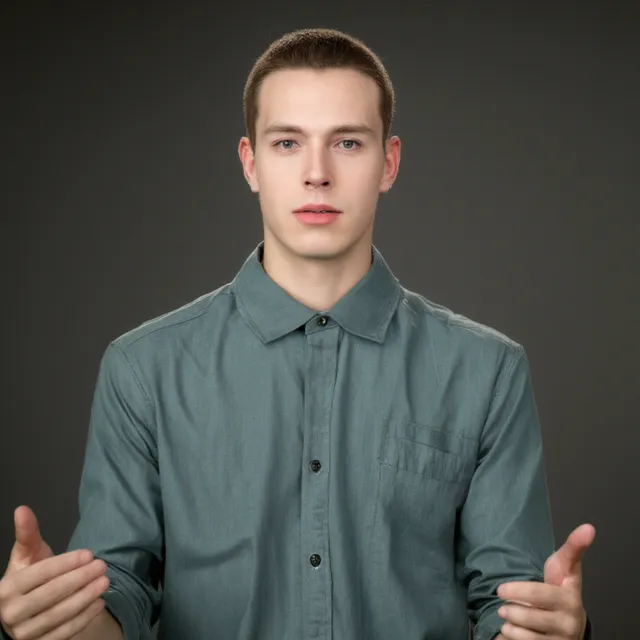 Ethan
Ethan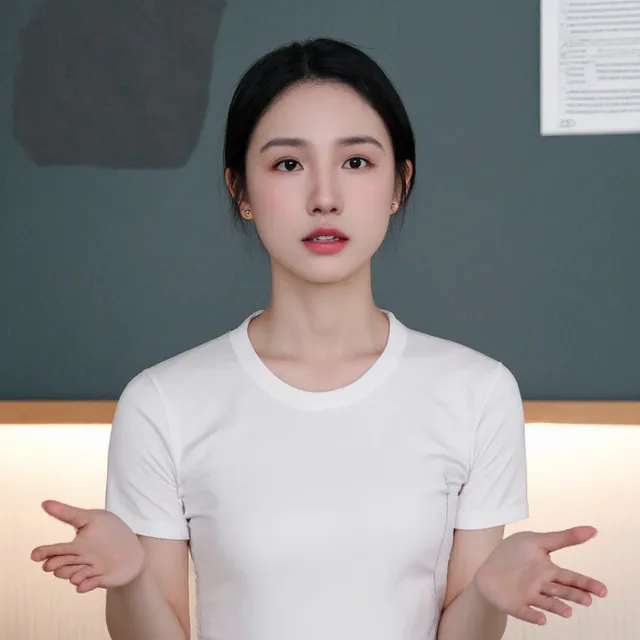 Lina
Lina Noah
Noah Sora
Sora Kai
Kai Ana
Ana Leo
Leo
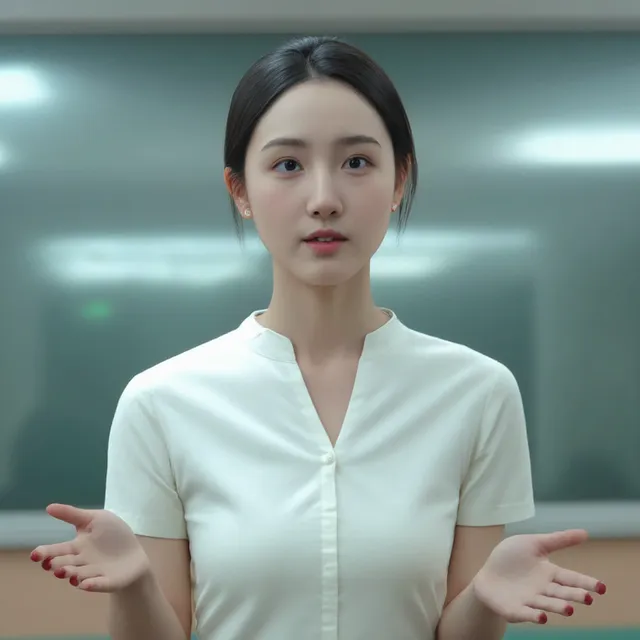
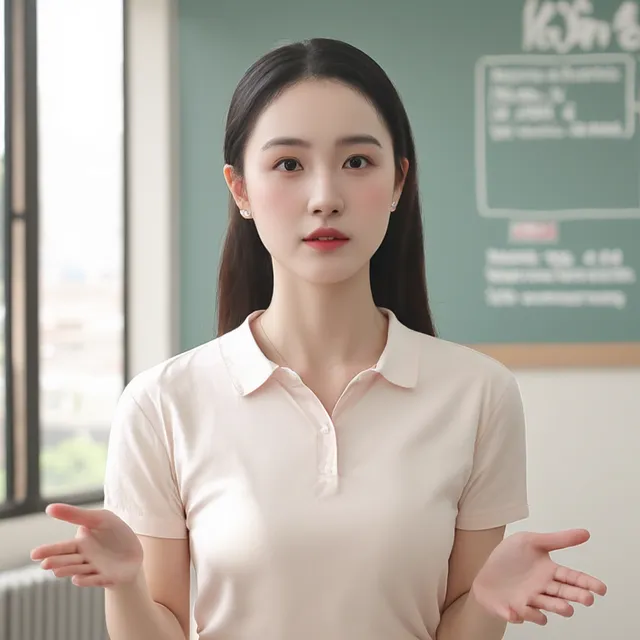

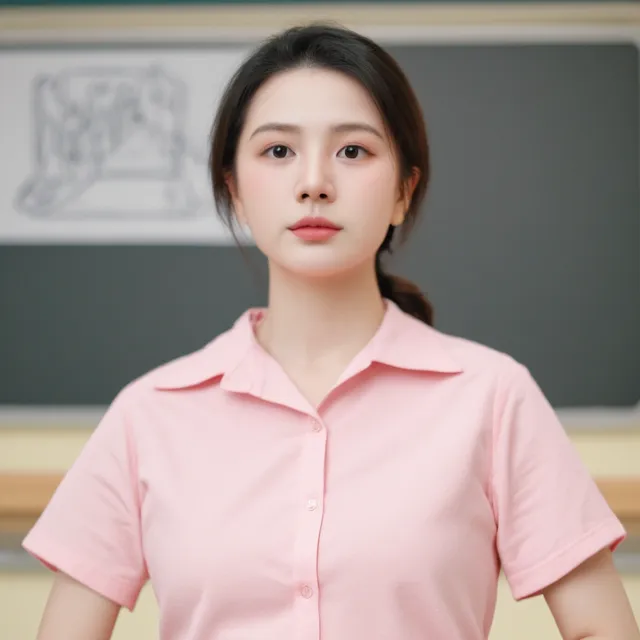
Bottom row: one character, four scenes. All faces are AI-generated.
Design a realistic, 3D, anime or painted character from a few choices. Lock the look, place them in new settings, then make them move.
Write a few scenes, add captions and your own music. VideoAii renders each scene as a vertical AI clip and stitches them into one reel, right in your browser.
One line per shot, plus a short caption.
Each scene is rendered in 9:16 for Instagram, YouTube Shorts and TikTok.
Pick a caption style, add music, and download one video.
Golden hour hits different
Keep the motion, change the world. Drag the slider to compare the original with the AI version.
Vertical AI clips for hooks and B-roll, and wide 16:9 openers for long videos.
Multi-scene reels with captions and music from the AI reels maker.
Characters, funny animals and trend formats rendered in 9:16.
Turn one catalogue photo into an orbit, a pour or a lifestyle scene.
Bring old photos to life with a gentle smile or a turn to the camera.
Show how a scene could look before anyone picks up a camera.
Write one sentence about the shot, or add a photo. No account needed.
Watch the progress and keep browsing. Most clips take about a minute.
Save the MP4 and post it to YouTube, Instagram, TikTok or WhatsApp.
Practical tips on prompts, camera moves, realistic people and reels.

A good short is three or four strong shots, a caption on each, and music. Here is the whole process, from idea to upload, using free AI tools.

AI can now make people that look filmed rather than generated — if you avoid a few traps. These are the habits that make faces, hands and motion believable.
A character is only a character if the audience recognizes them from shot to shot. Here is a simple workflow for keeping one face, one look and one style.
Yes. Every tool — text to video, image to video, photo animator, reels maker, character and image generator — is free without an account. The site is paid for by ads, so there are no credits, subscriptions or watermarks. Each visitor has an hourly limit so the service stays fast.
Yes. Describe one or two people, one clear action and the camera, or upload a portrait and pick a motion like smile, wave or turn to camera. Simple, natural movements look the most realistic.
Most clips are ready in 40 to 90 seconds. Images take about 5 to 15 seconds. At busy times you may wait a little longer.
Yes. Choose the vertical 9:16 shape in any video tool, or use the AI Reels Maker to join several AI scenes with captions and your own music into one vertical video.
No. VideoAii runs in any modern browser on Android, iPhone, Windows and Mac. Rendering happens on cloud GPUs, not your device.
Uploads are used only to create your result and are deleted when the job ends. Finished files are removed from our server after 24 hours.
