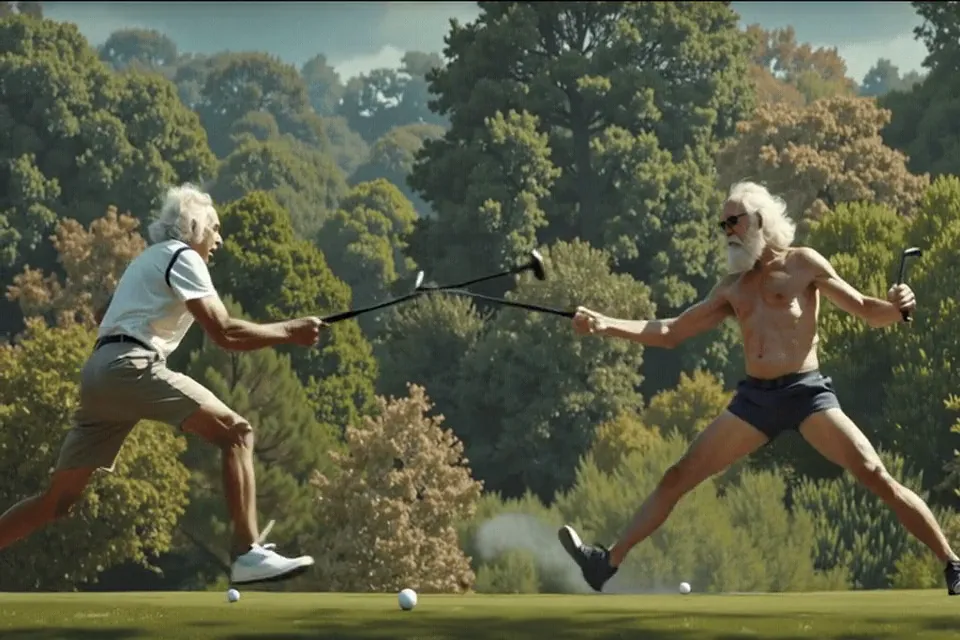
How to make a reel with AI
Write your scenes
Describe each shot and the caption that goes with it, or start from a photo.
Generate the clips
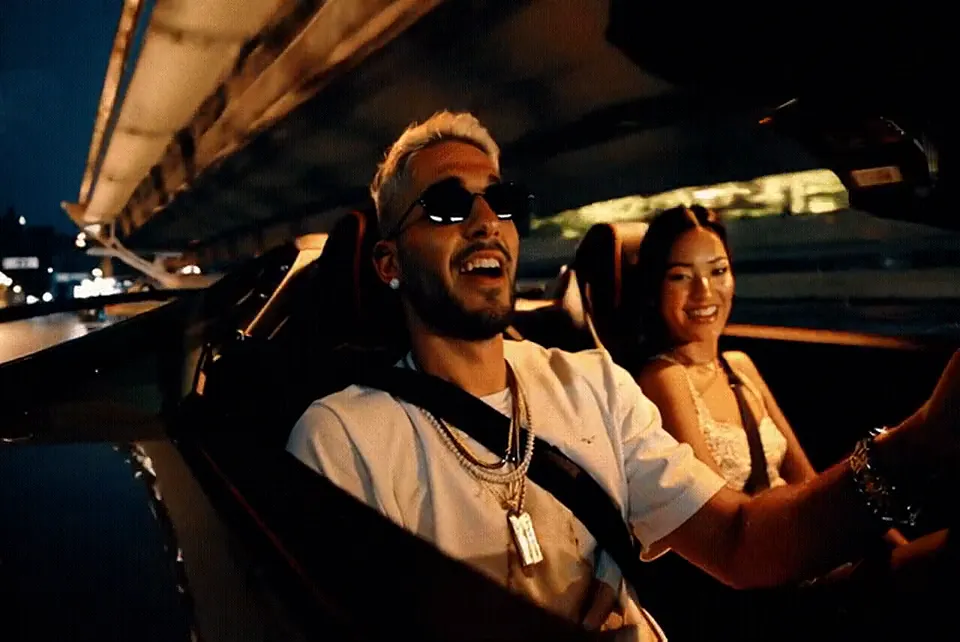
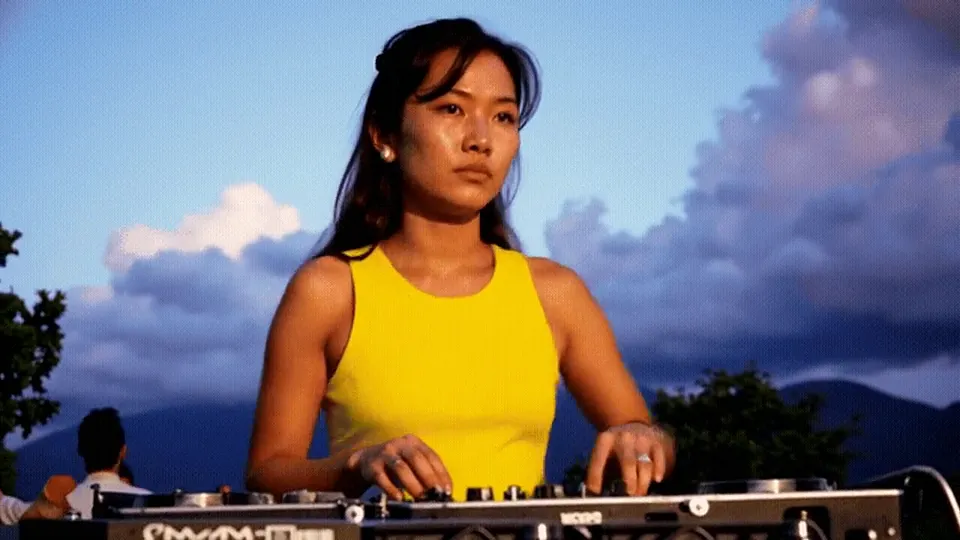
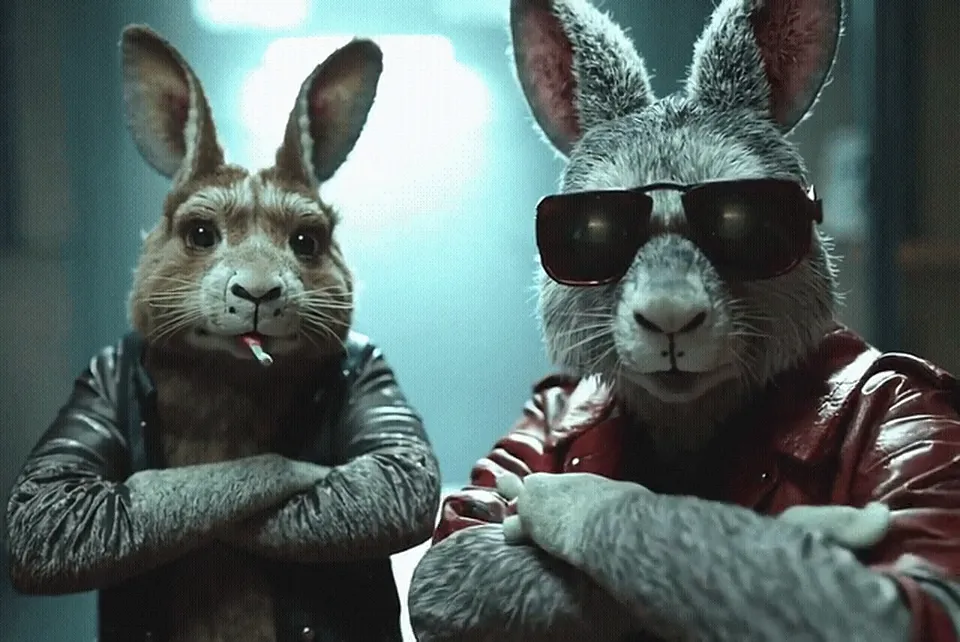
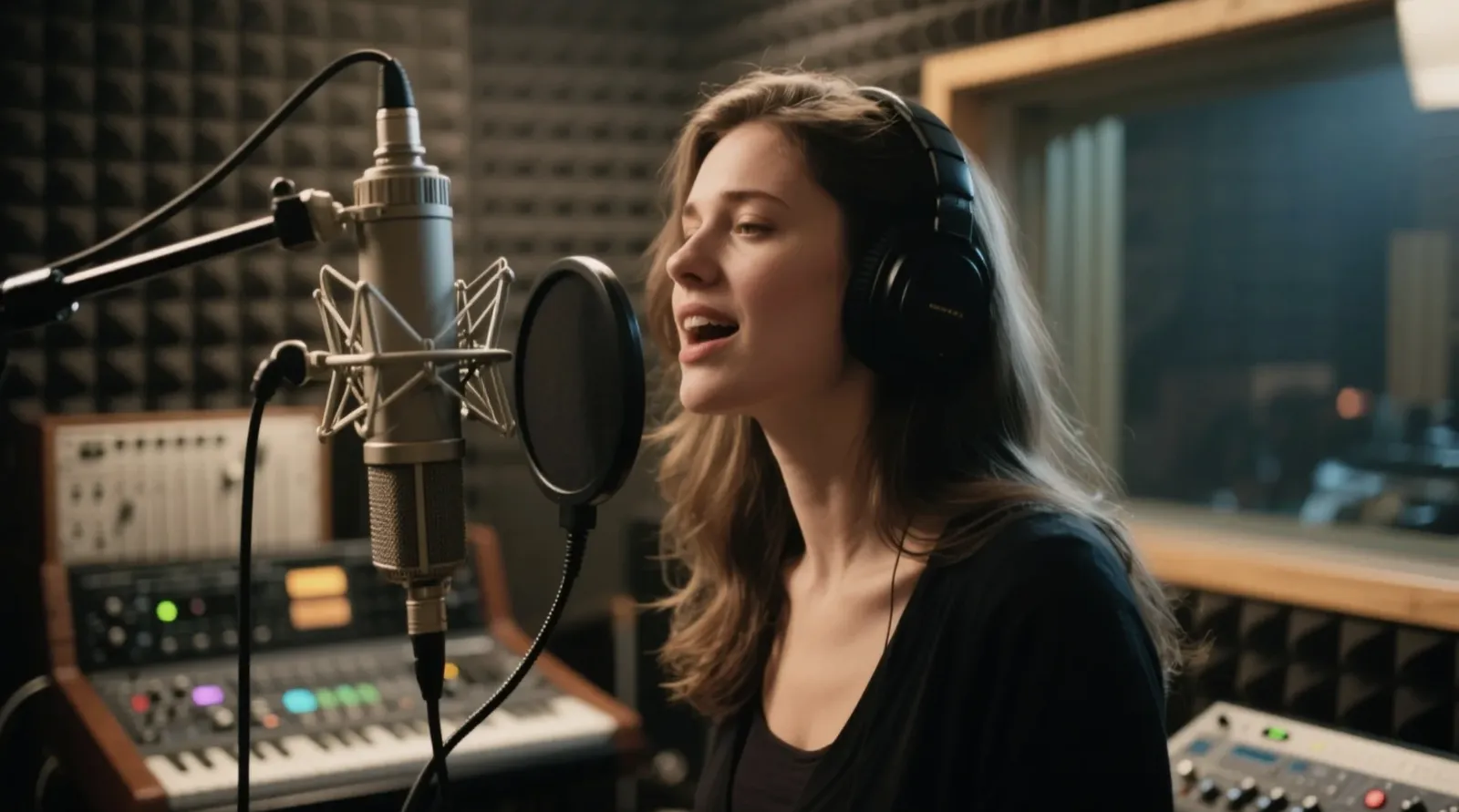
VideoAii renders each scene as a vertical AI clip, one after another.
Export your reel
Add music, pick a caption style and export a single vertical video in your browser.
How to make a reel that holds attention
The best short videos open with a strong first second, keep each shot short, and use captions because most people watch without sound. A simple structure works for almost anything: a hook, one or two scenes that deliver the idea, and a closing shot with your message.
- Scene 1 — hook: the most striking image. Caption it with a question or a bold promise.
- Scenes 2–3 — the idea: show it, don’t explain it. One action per scene.
- Last scene — the payoff: a calm shot with your call to action in the caption.
Captions and music
Keep captions under eight words each and place them in the upper-middle of the frame so they aren’t hidden by app buttons. Use music you have the rights to — your own track, or audio from the platform’s licensed library added when you post.
More ideas in our guide to making AI reels and Shorts.
AI Reels Maker FAQ
Which apps is the reel for?
It exports a vertical 9:16 video that fits Instagram Reels, YouTube Shorts, TikTok, Facebook Reels, Snapchat Spotlight and WhatsApp Status.
What format is the exported reel?
MP4 in Safari and most recent browsers, WebM in some others. Instagram, YouTube and TikTok accept both; if an app refuses WebM, open it in any converter or editor and save as MP4.
Can I add my own music?
Yes. Pick an audio file from your device and it’s mixed into the export in your browser — it never leaves your device.
How many scenes can a reel have?
Up to four AI scenes per reel. Each scene counts toward your hourly video limit.