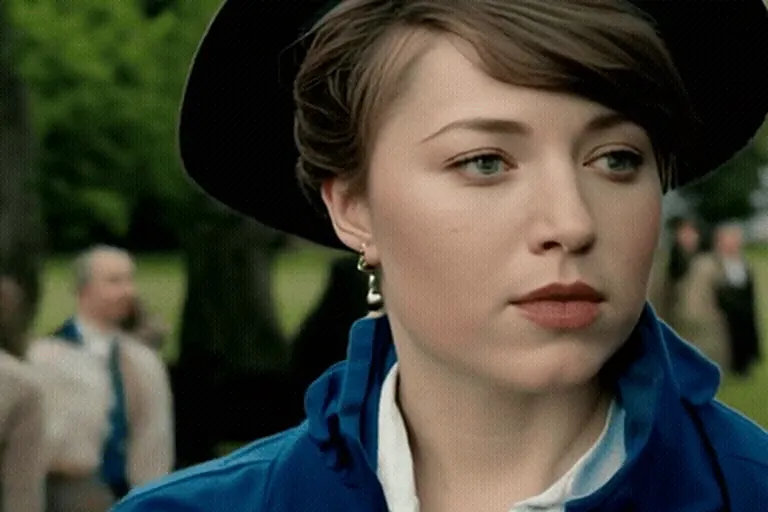
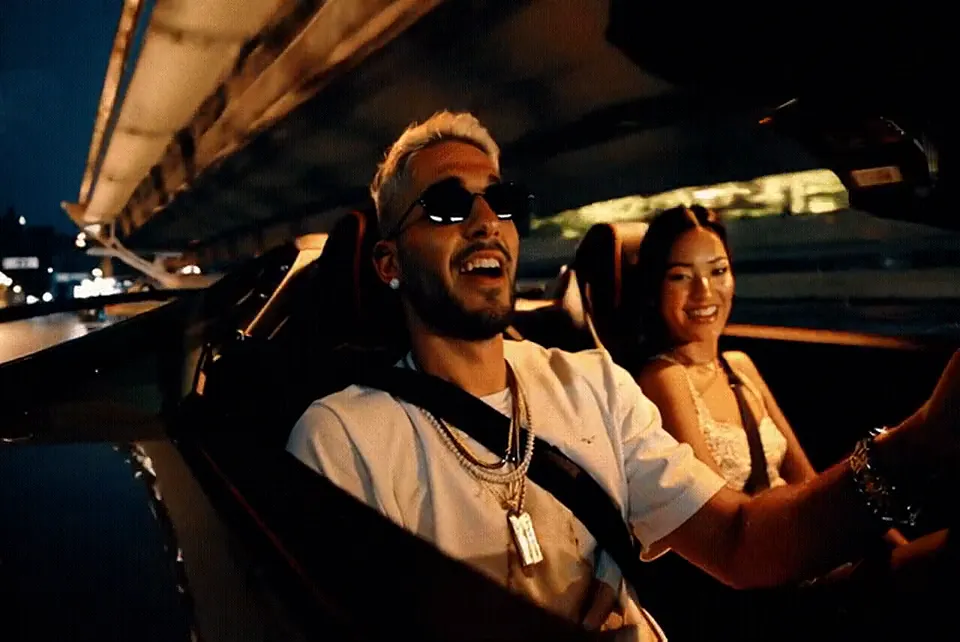
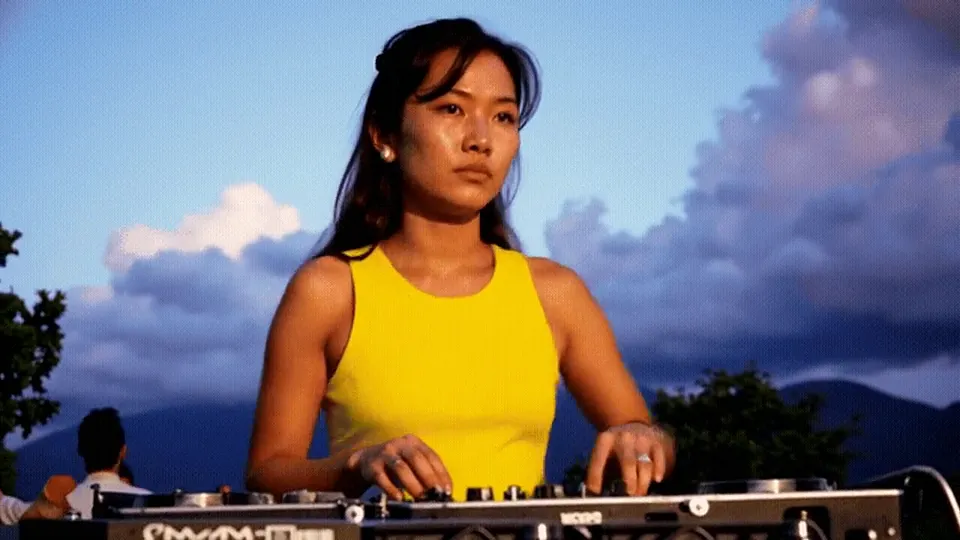
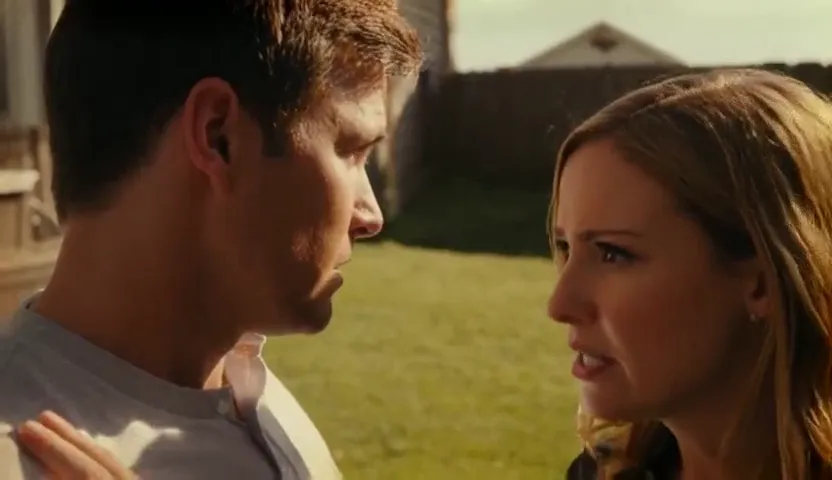
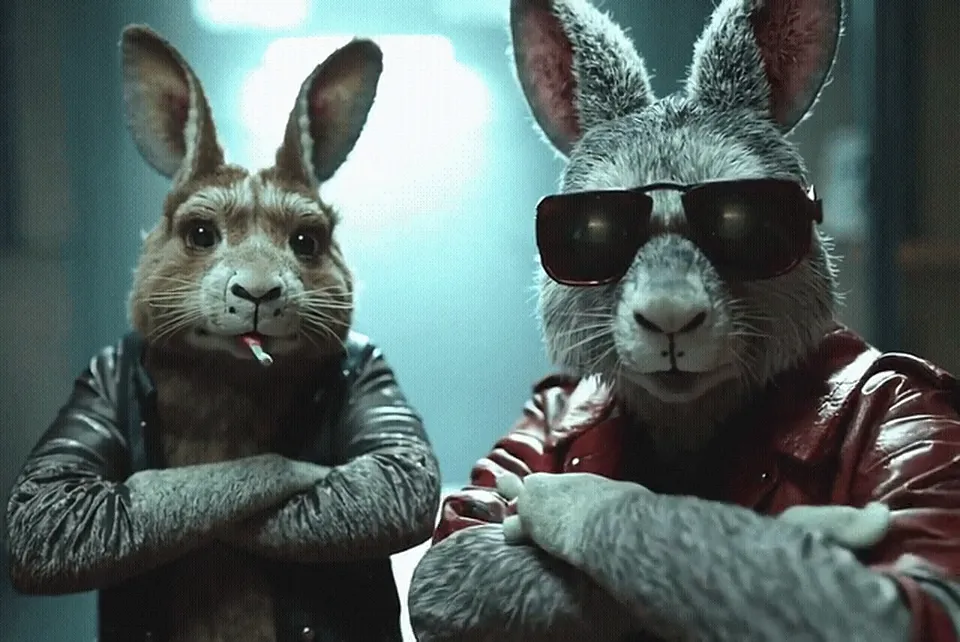
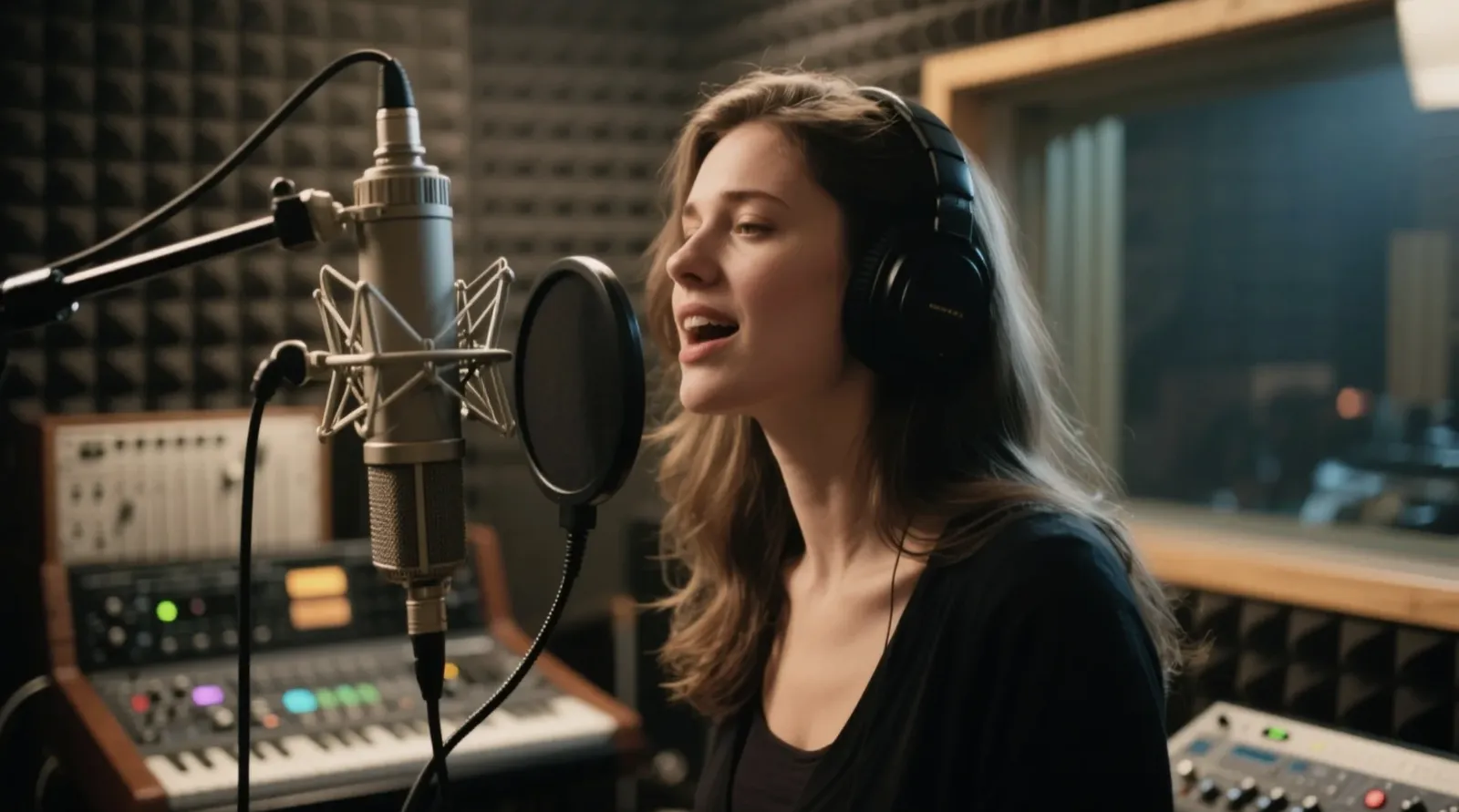
How to use Video Restyle
Upload a short clip
MP4, WebM or MOV up to 16 MB. The first seconds are used.
Describe the new look
Name a style, a palette and a medium. Keep the subject the same.
Restyle and download
Restyling takes one to two minutes because every frame is repainted.
Which clips restyle well
Restyling keeps the movement and changes the surface. Clips with one clear subject and steady motion work best: someone dancing, walking, a car passing, a slow pan across a room. Fast cuts, heavy shake or text overlays tend to flicker.
- Animation: anime, 3D animated, claymation, paper cut-out, comic ink.
- Painting: oil painting, watercolor, charcoal sketch.
- New world: snowy winter, neon cyberpunk, foggy noir, golden-hour film.
Describe qualities rather than naming a living artist or a studio’s characters. Upload only footage you shot or have permission to edit.
Prompts to try
- Hand-drawn anime style, soft pastel palette, clean line art
- Claymation look with fingerprint texture, warm studio light
- Swirling oil painting with thick blue and yellow brush strokes
- Snowy winter scene, light snowfall, cold blue light
Video Restyle FAQ
How long can my clip be?
Up to 16 MB. The opening seconds are used to create a 3 or 5 second restyled clip.
Does it keep the audio?
No. The restyled clip is silent; add your audio back in an editor or the AI Reels Maker.
Why is restyle slower?
Every frame of your clip is repainted, which takes more GPU time.