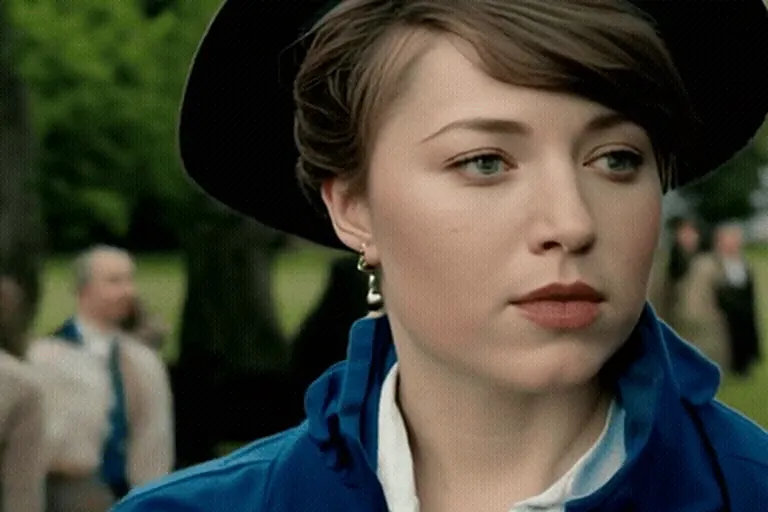
AI image and video models don’t remember anyone between renders. Every image is drawn from scratch, so consistency has to come from what you send: the description and the random seed.
Write a character sheet
Describe the character the same way every time, in the same order: age range, face, hair, signature item, outfit, style. For example: “a woman in her late 20s, warm brown skin, short curly black hair, round tortoiseshell glasses, olive bomber jacket, cinematic film still”. The character generator builds this sentence for you from a few choices.
Lock the seed
The seed decides the random noise an image starts from. Same description plus same seed gives a very similar picture. When you like a result, press “Keep this character” — the seed is saved and reused for every new scene.
Change one thing per scene
Keep the character sheet identical and change only the setting or the action: “…standing on a rainy neon street” becomes “…sitting in a sunny café”. The more of the description you change, the more the face drifts.
Move from image to video
Once you have the stills you want, animate them in the photo animator — a wave, a smile, a few words to the camera. Then line up the clips in the reels maker with captions.
Know the limits
Consistency is very good, not perfect. Small details like earrings or logos can change. Choose a strong, simple signature item — glasses, a hat, bright hair — and viewers will read the character as the same person.