Free · No signup · No watermark

Bring still images to life with AI

VideoAii is a free online toolkit that animates a photo into a short video clip or a rotating 3D model. It all runs in your browser — nothing to install, nothing to pay.

Runs in your browser Built on open-source models No watermark on results
What you can create

Three ways to turn an image into something new

Each tool does one job well. Pick the one that fits your idea and start in seconds.

Image to Video

Upload a photo and the AI adds natural motion — a gentle drift, a subtle parallax — turning it into a short, shareable clip.

Frame-guided Animation

Describe the movement you want in a short prompt and the model builds the clip frame by frame from your starting image.

Image to 3D Model

Convert a flat picture into a 3D model you can rotate and inspect — handy for product mockups and design exploration.
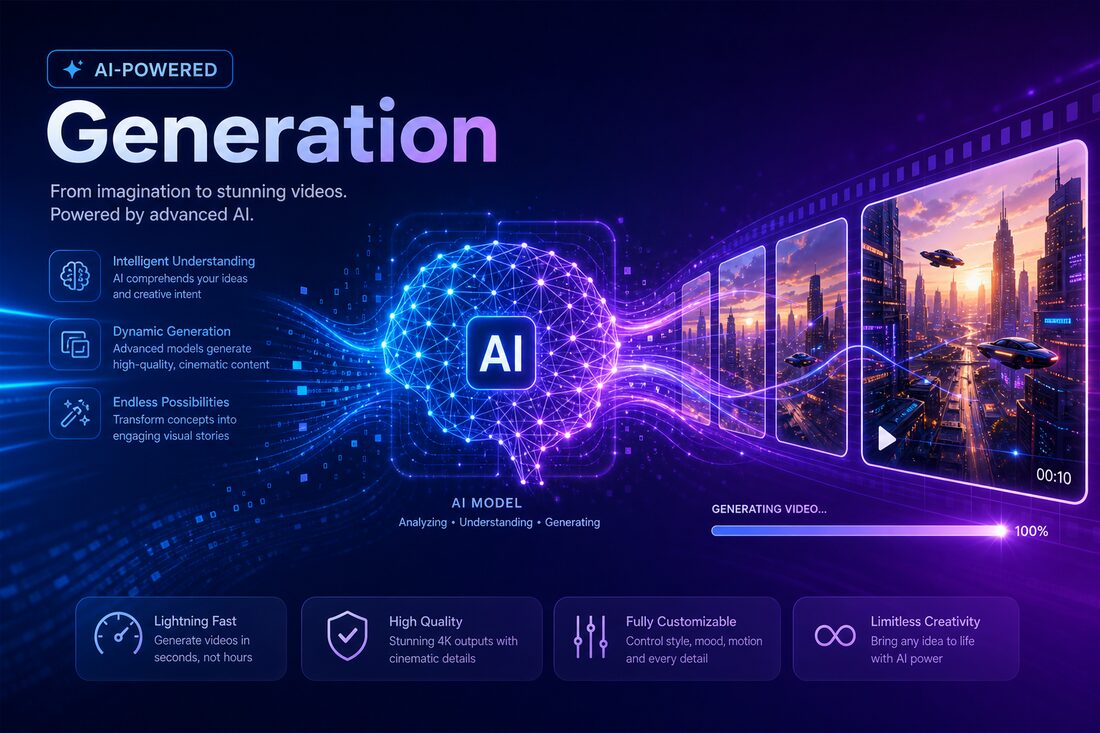
VideoAii analysing a still image to generate motion
Smart generation

AI that reads your image before it moves it

The models behind VideoAii look at depth, edges and subject before generating a single frame. That is why the motion feels grounded in the photo instead of pasted on top of it.
  • Motion that respects the original composition
  • Optional text prompts for finer direction
  • Works with photos and illustrations alike
Open Image to Video
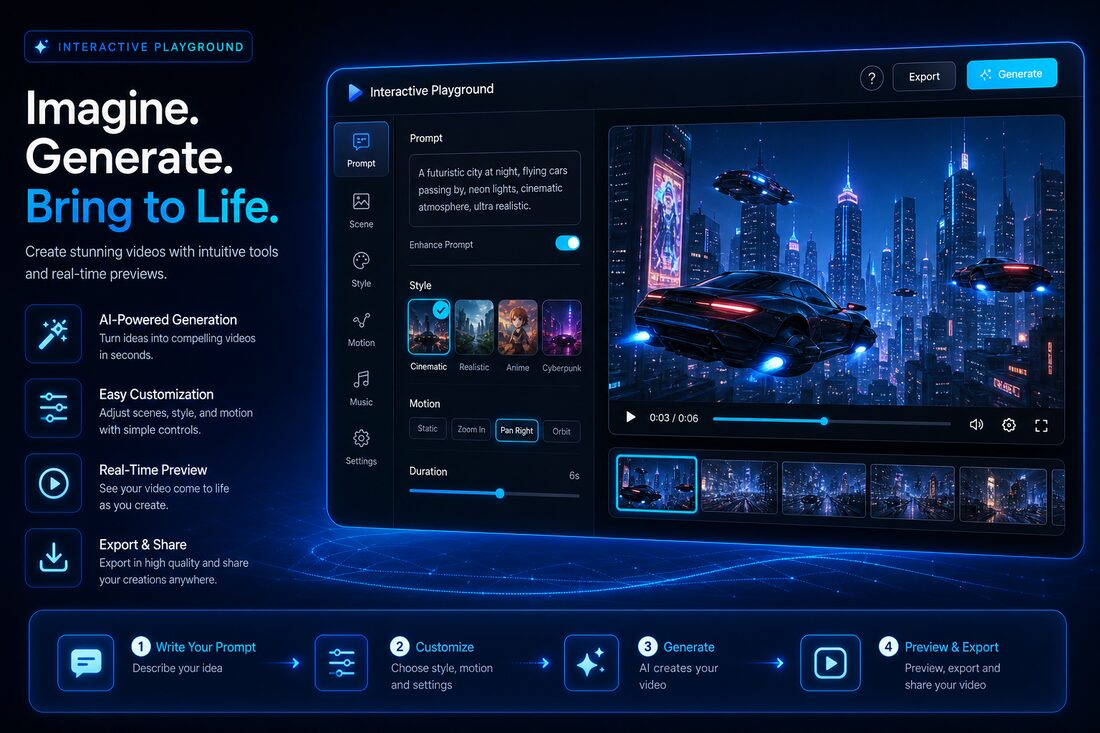
The VideoAii tools workspace running inside a browser
A simple workspace

Built for quick experiments, not a steep learning curve

There are no timelines to scrub, no layers to manage and no export presets to decode. You upload an image, choose a couple of settings, and generate. If a result is not quite right, adjusting and trying again takes seconds.

  • Everything happens on a single page
  • Live progress while a clip renders
  • Download directly when it is done
Explore the workspace
A finished video clip generated with VideoAii
Usable results

Clean output you can post or share right away

Finished clips download as standard video files with no VideoAii branding stamped across them. Whether the result is for a social post or a quick concept, it is ready to use the moment it finishes.

  • No watermark, ever
  • Standard formats that play everywhere
  • Saved straight to your device
Generate a clip
How it works

From a photo to a finished clip in three steps

No tutorials needed. The whole process takes a couple of minutes.

1

Choose a tool

Open the AI Tools page and pick Image to Video, Frame-guided Animation or Image to 3D — whichever matches what you want to make.

2

Upload your image

Add a clear photo or illustration. For some tools you can also type a short prompt describing the motion you have in mind.

3

Generate & download

Start the generation, watch the live progress, then download your finished result straight to your device.

Why VideoAii

A straightforward tool, with no catch

We kept VideoAii deliberately simple and honest about what it does.

Free, with no paywall

Every tool is open to use. There is no premium tier hiding the good features.

No account required

Nothing to register. Open a tool and you are working within seconds.

Privacy-respecting

VideoAii keeps no copy of your uploads or results. We explain the full picture on our Privacy page.

Works on any device

Use it on a laptop, tablet or phone — anything with a modern browser.

Open-source models

The AI behind the tools is open and community-built, hosted on Hugging Face.

No watermark

Your finished clips are clean — no VideoAii badge stamped across the frame.

Questions & answers

Frequently asked questions

The things people most often want to know before they start.

Yes. Every tool on VideoAii is free. There is no paid tier, no trial that expires, and no credit card required. The tools are built on open-source AI models, which lets us keep them open to everyone.
No. There is no account to create and nothing to download. Open the AI Tools page, upload an image, and start generating straight away in your browser.
VideoAii is designed for short, image-based animation. You can take a photo or illustration and turn it into a brief moving clip, or generate a 3D model you can rotate and view. It is well suited to social posts, product shots, and quick creative experiments rather than long-form films.
Most clips finish in roughly one to three minutes, depending on the tool and how busy the model host is at the time. The tool shows live progress while it works, so you always know where things stand.
The output you generate is yours to use, and VideoAii adds no watermark. Because the tools are powered by open-source models, we recommend checking each model's own licence on its Hugging Face page if your project is commercial. Our Terms page explains this in plain language.
VideoAii does not keep a copy of your uploads or your results. The AI tools themselves are hosted on Hugging Face, which processes your image to create the output. Our Privacy Policy describes exactly how this works.
A clear, well-lit image with a single obvious subject gives the best results. High-resolution photos and clean illustrations both work well. Very blurry or heavily compressed images tend to produce weaker animation.
Yes. VideoAii works in any modern mobile or desktop browser. A stable internet connection helps, since the AI processing happens on the model host rather than on your device.

Ready to animate your first image?

Open the toolkit and turn a photo into something that moves — in the next two minutes.

Open the AI Tools